
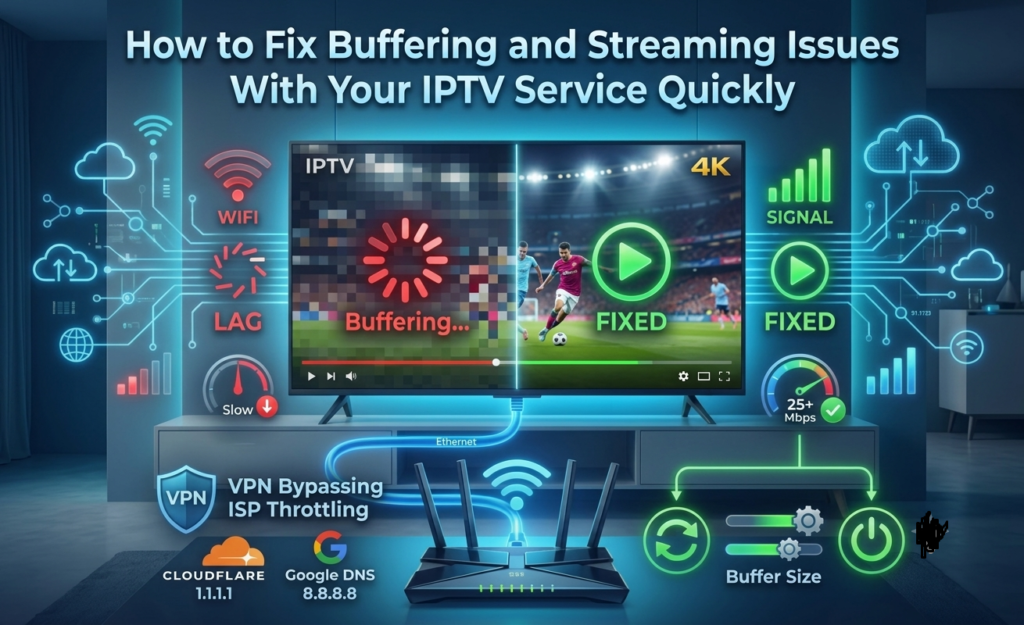
There is nothing more frustrating than sitting down to watch your favorite show or a live cricket match and having your IPTV service start buffering right at the most important moment. That spinning loading icon feels like it shows up at the worst possible time every single time.
The good news is that most buffering and streaming issues with any IPTV service are actually pretty fixable once you know what is causing them. This guide walks you through the most common causes and the fastest ways to sort them out so you can get back to watching without any more interruptions.
Check Your Internet Speed First
This is where most buffering problems come from and it is the first thing you should check before anything else. Your internet connection needs to meet certain minimum speeds to deliver smooth streaming quality.
For standard hd streaming you need at least 10 to 15 mbps for reliable full hd 1080p you need around 25 mbps and for consistent 4k streaming you need 50 mbps or higher if multiple people in your household are streaming on different devices at the same time add roughly 10 mbps per additional stream.
Run a speed test directly on the device you use for streaming, not on your phone standing next to the router, because the speed reading on your phone is almost always higher than what your TV or streaming box is actually receiving.
Switch From WiFi to Ethernet
This is probably the single most effective fix for buffering issues and it is something most people never try. WiFi signals are affected by distance, wall interference from other devices and network congestion, all of which cause inconsistent streaming quality.
Plugging your streaming device directly into your router with an Ethernet cable gives you a dedicated, stable connection that stays consistent even during busy peak evening hours when Wi-Fi performance typically drops the most.
If running an Ethernet cable is not practical, a powerline adapter is a really solid middle-ground option that sends your internet through your home electrical wiring and gives you way more stability than wifi without needing to run cables across rooms.
Restart Your Router and Streaming Device
Sometimes the fix is genuinely this simple: a quick router reboot clears out temporary congestion, refreshes the connection, and often resolves random buffering that has been coming and going.
Restart your router by unplugging it for about 30 seconds and plugging it back in, then restarting your streaming device as well. This combination clears cached data, refreshes the network connection and often makes buffering disappear completely without needing to do anything else.
Check Your IPTV Service Server Quality
Not all IPTV providers use the same server infrastructure and weak, underpowered servers are one of the biggest causes of buffering, especially during peak hours and live events like cricket matches or popular show premieres.
A best IPTV service like Tashan IPTV runs on dedicated high performance servers specifically built to handle thousands of simultaneous streams without dropping quality even during the busiest viewing hours if your current IPTV service consistently buffers during peak times that is often a server quality problem on the providers end rather than your internet connection.
Clear the App Cache and Update the App
Over time your IPTV app accumulates cached data that can slow things down and cause streaming issues. Go into your device settings, find the IPTV app and clear the cache, then check whether there is an updated version of the app available and install it.
Outdated app versions often have performance issues that newer updates fix so keeping your app updated is genuinely one of the easiest ways to prevent streaming problems from developing in the first place.
Contact Your IPTV Provider Support Team
If you have tried everything above and the buffering is still happening consistently then it is time to reach out to your IPTV provider directly a genuinely good IPTV service USA provider like tashan IPTV has a responsive 24 seven support team available through whatsapp that can diagnose the specific issue with your account and fix it quickly.
When you contact support, be ready to tell them your device type, internet speed test results and what time of day the buffering happens most because that information helps them identify and fix the problem much faster.
Final Thoughts
Buffering and streaming issues with your IPTV subscription plan are genuinely frustrating, but they are almost always fixable. Start with your internet speed, switch to Ethernet, restart your devices, and make sure your IPTV provider is running on strong, reliable servers.
Choosing the best IPTV service with solid infrastructure like Tashan IPTV from the very beginning is the most effective way to avoid most buffering problems entirely because a good IPTV provider invests in the server quality and support team that keeps your streaming experience smooth and consistent every single day.